
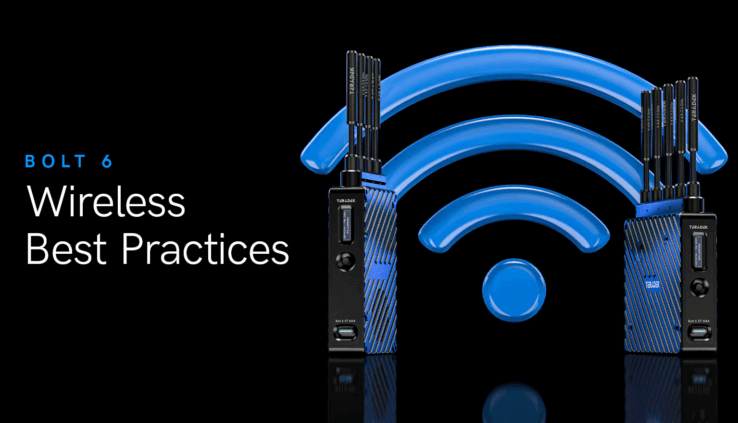
How to Optimize Your Teradek Bolt 6 for the Best Wireless Performance
By Stephanie R
Maintaining flawless wireless video on set can be tricky — every location has a unique RF environment that affects signal quality. In his guide, Teradek’s Colin McDonald breaks down how to identify, troubleshoot, and prevent common issues with the Bolt 6 wireless video system.
From interference caused by co-located wireless devices to physical obstructions like walls or even people, McDonald offers simple, actionable tips to boost reliability. Using the Bolt App’s Spectrum Analyzer helps you find clean frequencies, while fine-tuning bandwidth (20 or 40 MHz) and image quality modes ensures smooth, stable 4K transmission.
For anyone shooting in unpredictable RF conditions, these best practices can make all the difference in achieving rock-solid wireless video.
Read the original article here
Learn more about Teradek here