BirdDog Studio NDI – First live video teaser
By Jim Bask

This is a quick video teaser showing BirdDog Studio NDI alongside a live SDI input.

This is a quick video teaser showing BirdDog Studio NDI alongside a live SDI input.
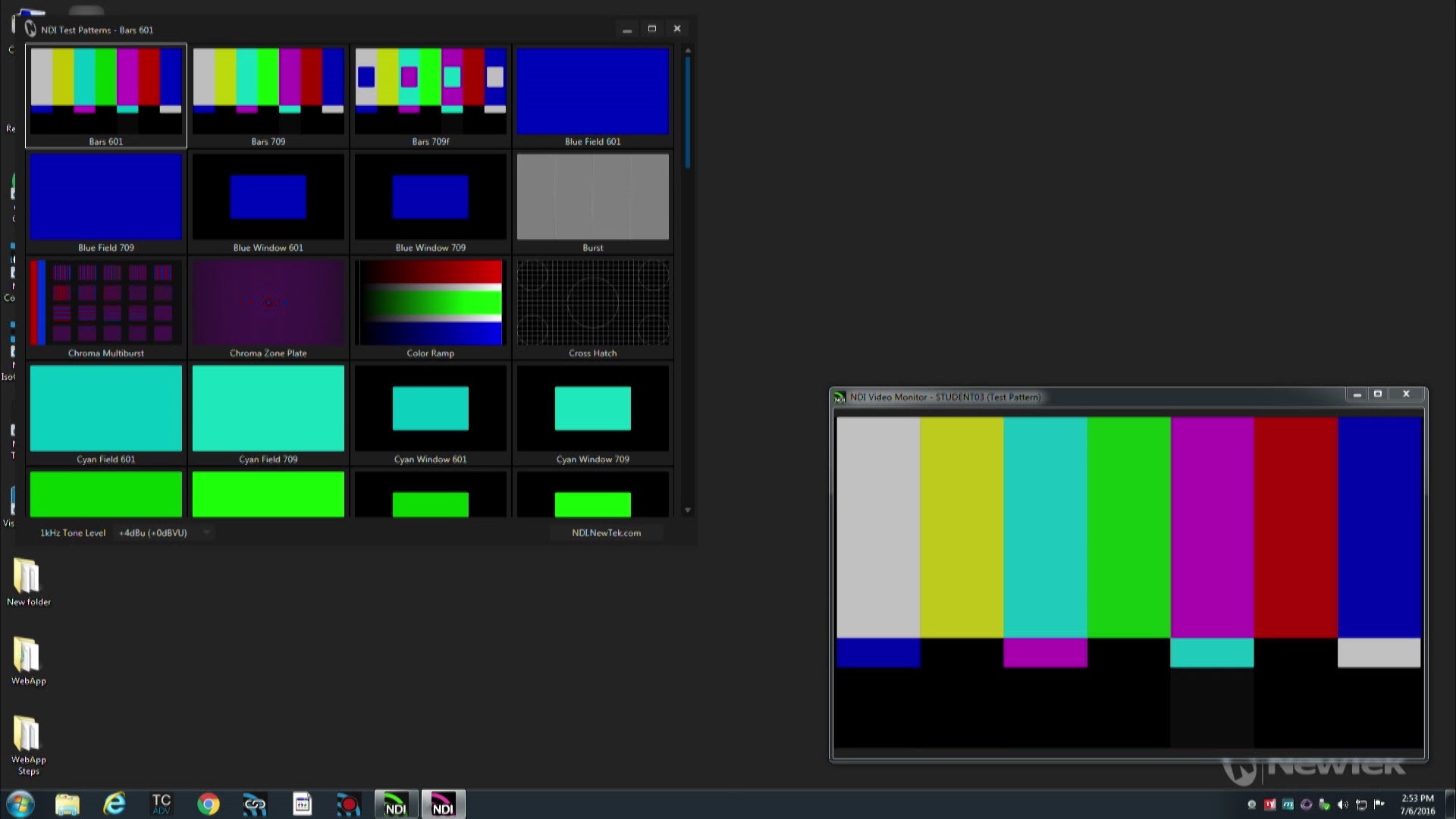

For those who have TriCaster or other NDI-enabled production systems, but who have not yet tried using NDI sources in production, there are free NDI Tools from NewTek to get you started. In this video, we will look at several of the free NDI Tools.
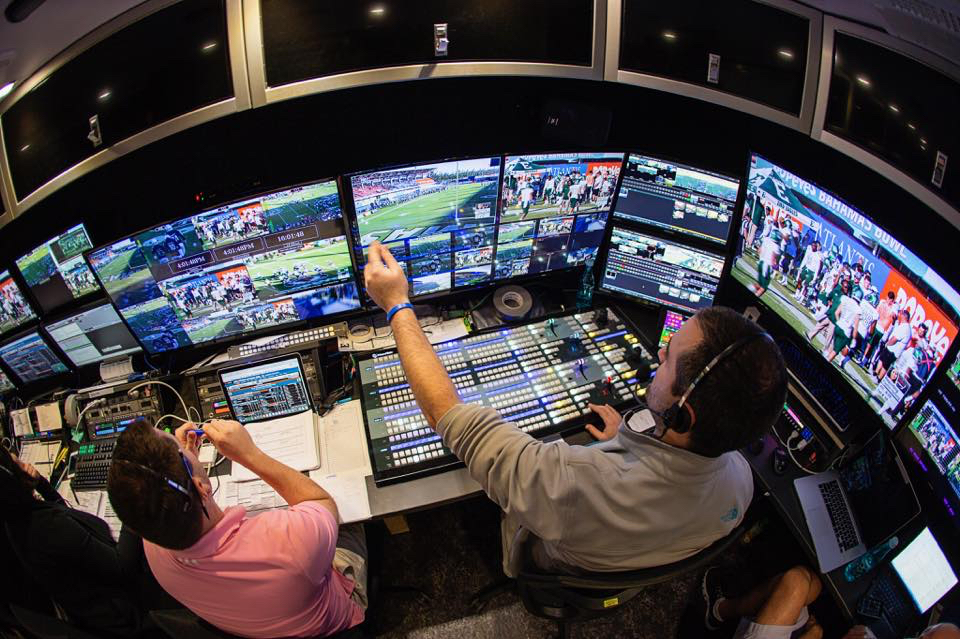
 Until recently, WebStream Sports was an independent provider of remote broadcast, in-venue and studio production. Starting out in 2006, the Indianapolis-based business had focused primarily on live sports, spent nearly a decade in high demand for its reputation for high-quality sports productions, and achieved remarkable success in a relatively short time.
 Broadfield 15 Minute Webinar
Thursday, Feb. 9th, 2pm ET
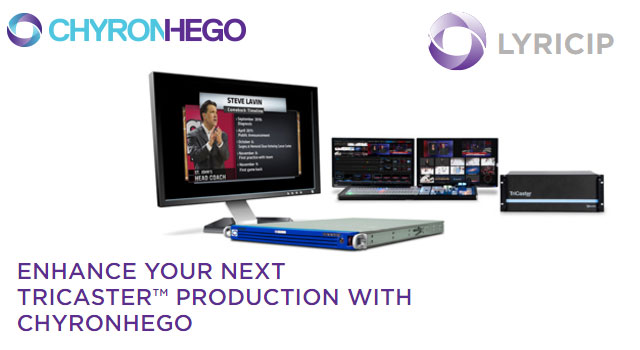
Introducing ChyronHego LyricIP NDI System
LyricIP is a real-time HD/SD 2D and 3D character and graphics generator specifically designed for the NewTek TriCaster:

In this webcast our experts cover real-world NDI use in live video production, and NewTek’s Don Ballance demonstrates NDI production scenarios using TriCaster®, TalkShow® and MediaDS™ systems. You’ll also get a good look at NewTek AutoLink for Panasonic PTZ, and how to automatically detect compatible IP cameras across your network.
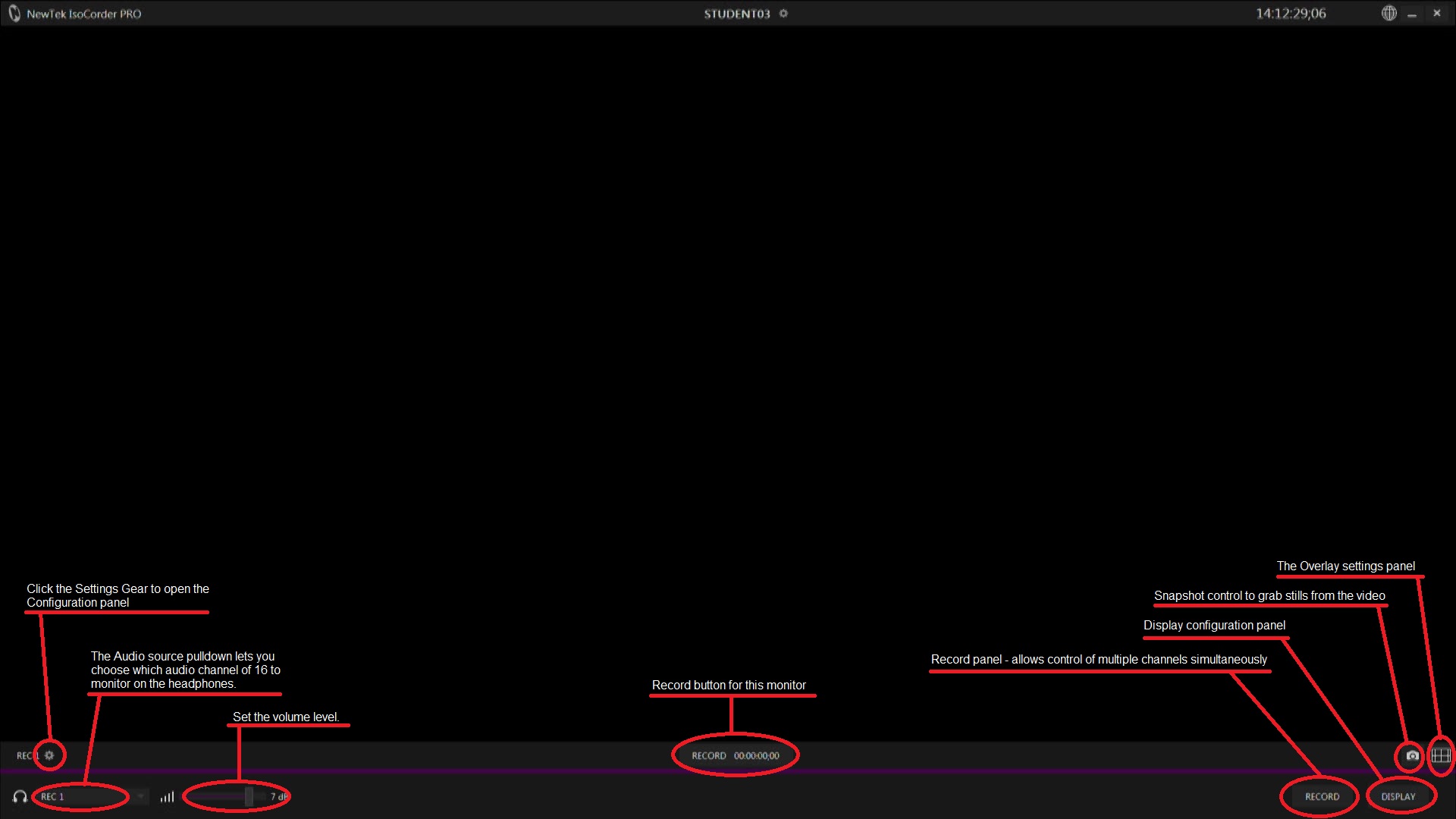
 Archiving the raw footage from your cameras from your live events gives you the potential to cut entirely new packages of the event to repurpose, edit, and/or monetize with new branding and angles of view. Recording both branded and unbranded copies of a produced show also allows for quick and convenient on-demand deployment of an original event and of “sweetened” and rebranded edits.
 Right now we’ve got an a great NewTek deal going on that bundles NDI software, NewTek Advanced Edition, with the TriCaster 460 with control surface and the TriCaster 8000 with control surface. This means your customers can save big now and get all of the benefits! TriCaster Advanced Edition software adds more than 100 exclusive capabilities to your system, enabling you to get the most out of your workflow from capture and creation to delivery.
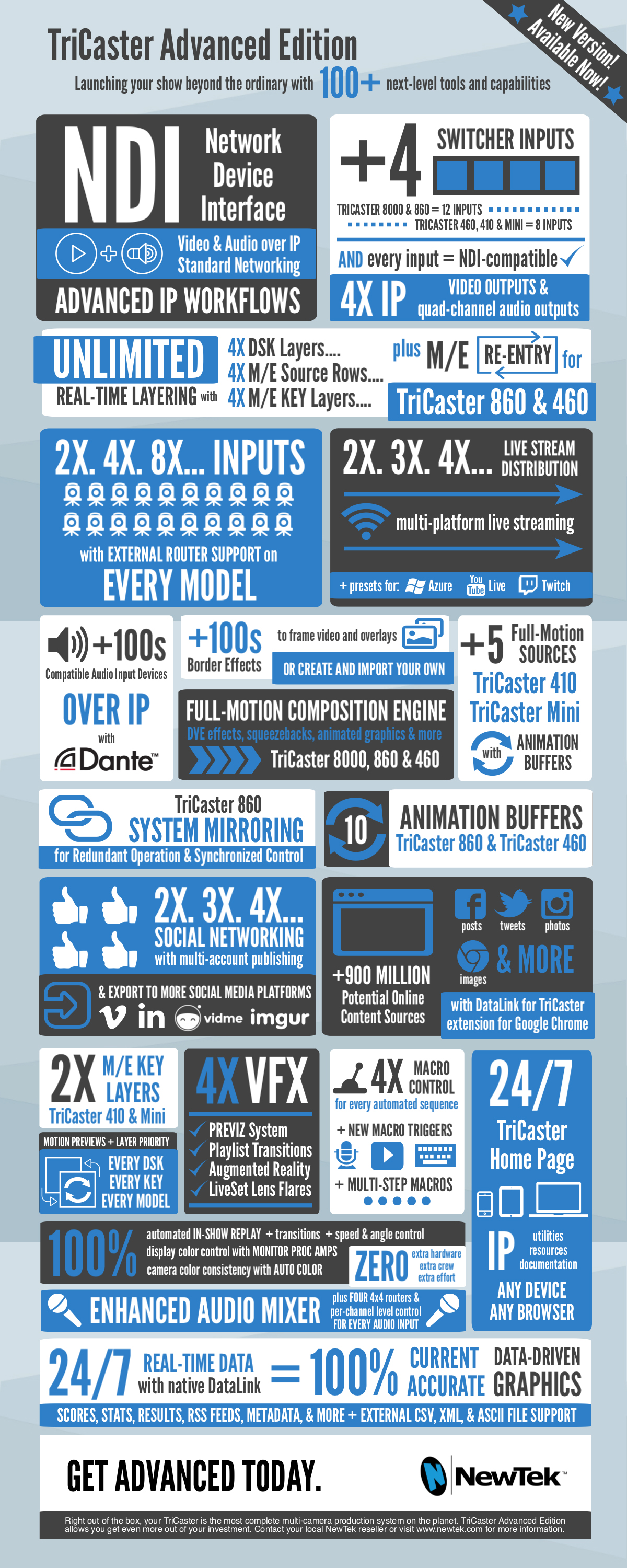
In today’s webinar Gary Bettan announces some great protions from NewTek
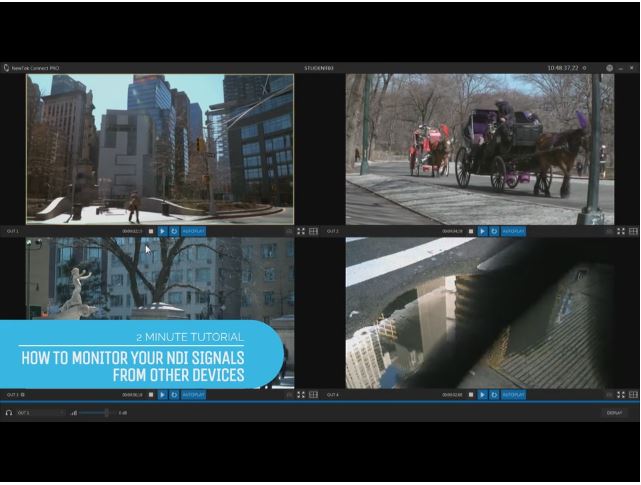

NewTek Connect Pro can serve a variety of video sources as NDI streams for a video production IP workflow, plus give you quality controls for the video streams it provides. The application’s capabilities go beyond the system on which it is installed, however. NewTek Connect Pro can also help you turn any available system or device in your production suite into a multiviewer on which you can monitor any of the available NDI streams present on the network. Yes, you heard that right – you can leverage NewTek Connect Pro on one system from other systems or devices, to make them useful in your production workflow. This is because the application includes NDI Connect Webserver, which can be accessed by other systems and devices on the network. You can then use these to monitor NDI streams from any source on the network. This is not limited to the NDI streams that NewTek Connect Pro is serving.
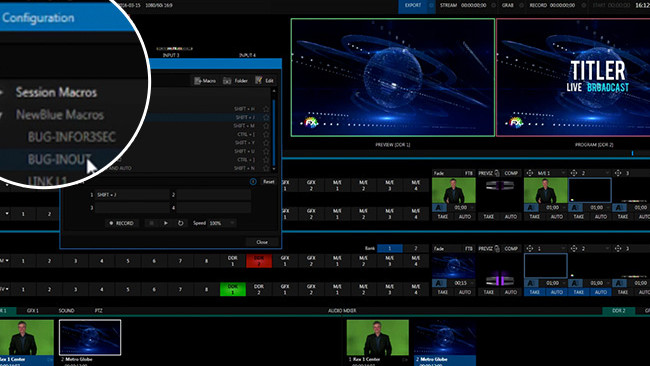

NewTek NDI’s first third party sign-up, NewBlue’s Titler Live Broadcast, boasts advanced titling and lower thirds graphics and could be the first in a wave of NDI-compatible applications.
Replacing traditional SDI systems with IP technology is something that promises to save big pots of gold, although it principally applies to those of us who are involved in big live studio installs or OB work. It’s a tool of the live or as-live production world, which is understandably interested in building video infrastructure out of commodity-priced information technology hardware, as opposed to the industry-specific SDI routers and switchers that are normally used.