Graphics Operator Stays Home With NDI, 120 Miles From Production Truck
By Jim Bask
 Rob Moser could be in trouble. He’s working on the TV crew for tonight’s United Soccer League match between the Pittsburgh Riverhounds and FC Montreal, it’s three minutes to game time, and Moser is still in his kitchen. Worse yet, he lives more than 120 miles from the soccer venue.
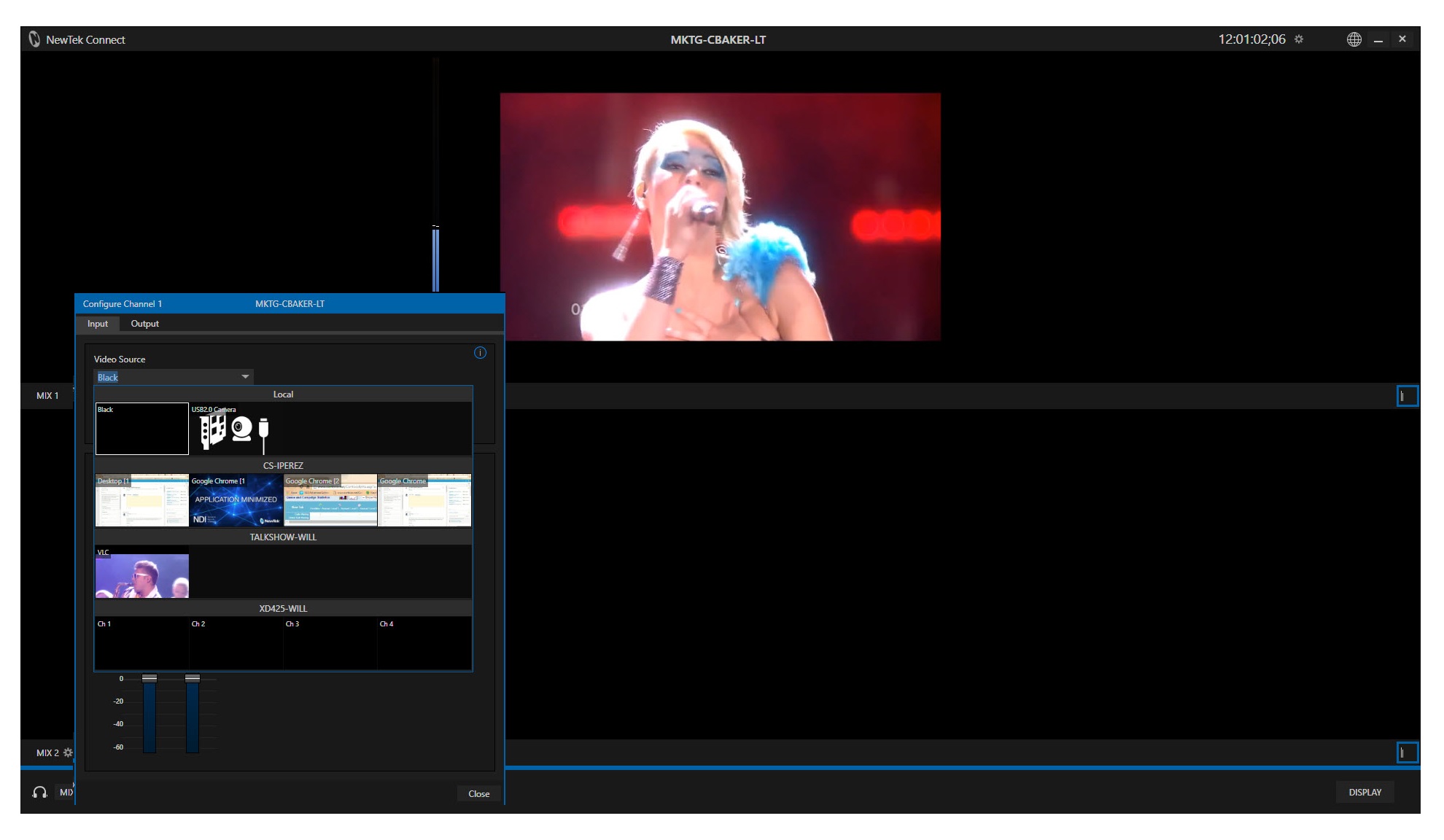
 NewTek provides several NDI applications for all NDI users at no charge. Some are watermarked trial products, but for this article we will look strictly at those that are fully-functional free applications. These will assist any production workflow that uses products that are NDI-enabled. Such workflows include NewTek’s TriCaster and 3Play, of course, but today there are NDI-enabled video production systems and software from many other manufacturers as well.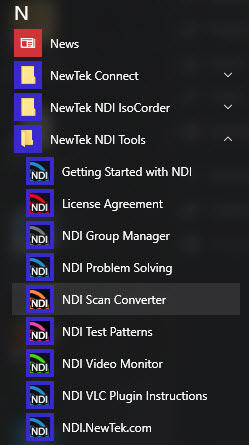
 In our modern digital lives, we have an endless number of ways we use our computers, including using them to produce video. We may want to send full-screen output as video to a switcher or recorder to make training or demonstration videos. We may want to send just the output of one program as a video source like a dedicated text or graphics program specifically for broadcast production, or it could be a program used daily for common business or personal tasks.
 Don takes a look at more of the editing capabilities now available in media players in TriCaster Advanced Edition. A previous tutorial covered a number of controls to adjust clips on the tool bar at bottom of the media player, including setting in and out points (those controls are enclosed in the red rectangle in the image)
 In this episode, NewTek’s Master Trainer Don Ballance brings you a 2-minute tutorial featuring TriCaster Advanced Edition’s capabilities for editing inside the media players. For this video, we will be editing inside the DDR, specifically.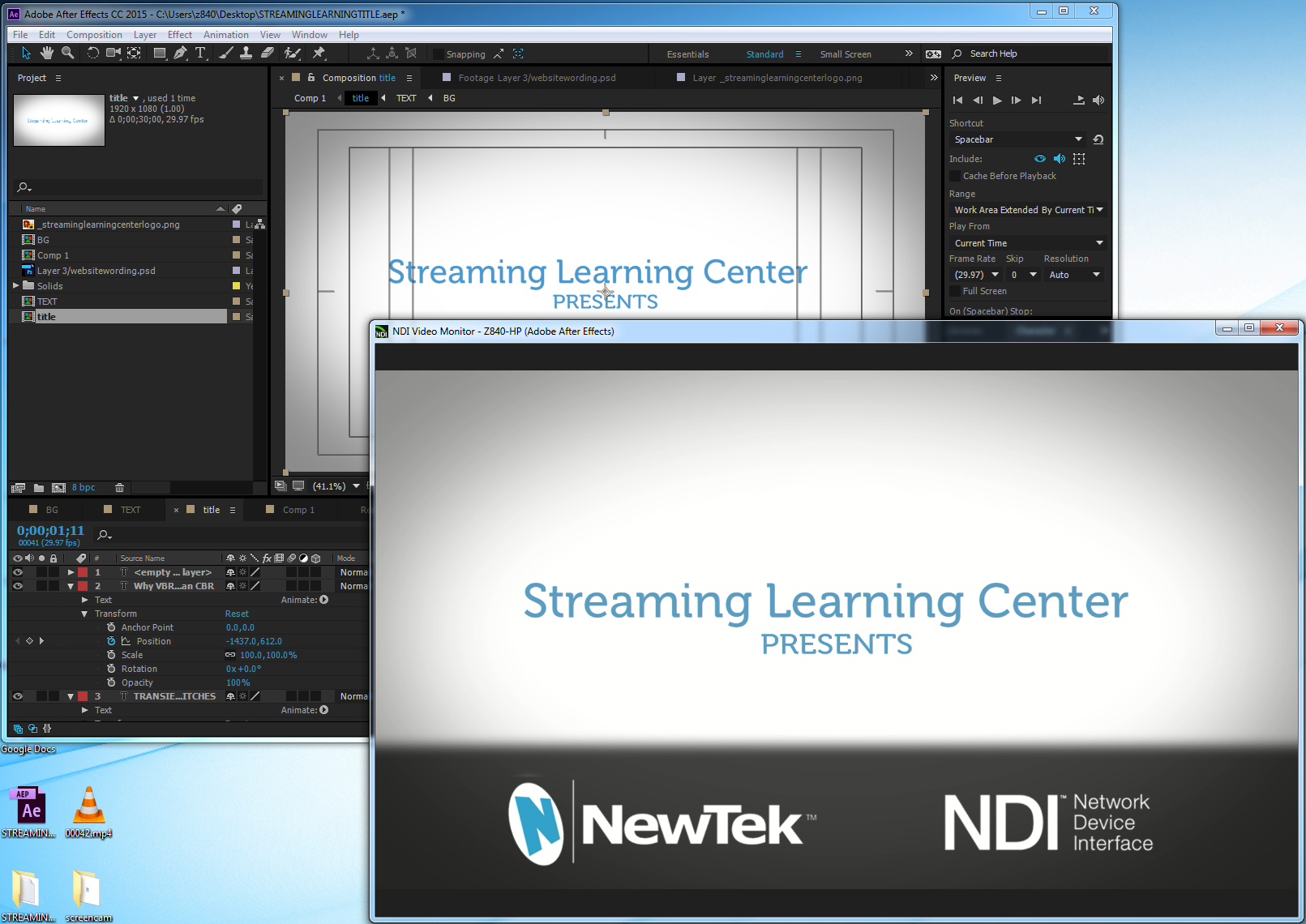

 In an earlier 2-Minute Tutorial video, Don Ballance showed you how to set up a TriCaster Advanced Edition LiveSet virtual set in a Mix/Effects (M/E) bus. While one requirement of virtual sets is that we are always working with a locked down camera that never moves, TriCaster Advanced Edition provides the ability to do “virtual” camera moves.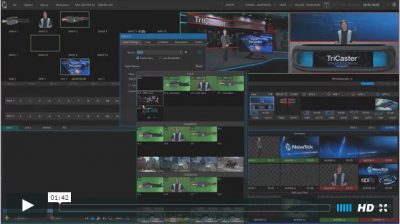
 This 2 Minute Tutorial features a tip for TriCaster Advanced Edition with NDI. When you are working with a number of NDI devices on a network, it is important to be able to distinguish between the devices.