2-Minute Tutorial: Live Video Editing Inside TriCaster Advanced Edition Media Players
By Jim Bask
 In this episode, NewTek’s Master Trainer Don Ballance brings you a 2-minute tutorial featuring TriCaster Advanced Edition’s capabilities for editing inside the media players. For this video, we will be editing inside the DDR, specifically.
 In an earlier 2-Minute Tutorial video, Don Ballance showed you how to set up a TriCaster Advanced Edition LiveSet virtual set in a Mix/Effects (M/E) bus. While one requirement of virtual sets is that we are always working with a locked down camera that never moves, TriCaster Advanced Edition provides the ability to do “virtual” camera moves.
 Here is a quick video to familiarize yourself with Delta Stat IP, sports graphic package, from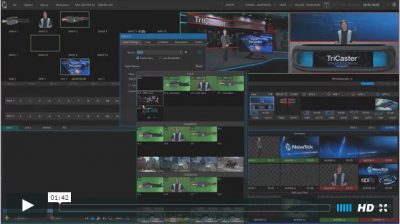
 This 2 Minute Tutorial features a tip for TriCaster Advanced Edition with NDI. When you are working with a number of NDI devices on a network, it is important to be able to distinguish between the devices.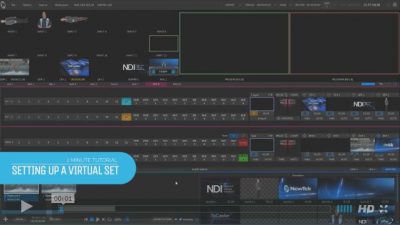

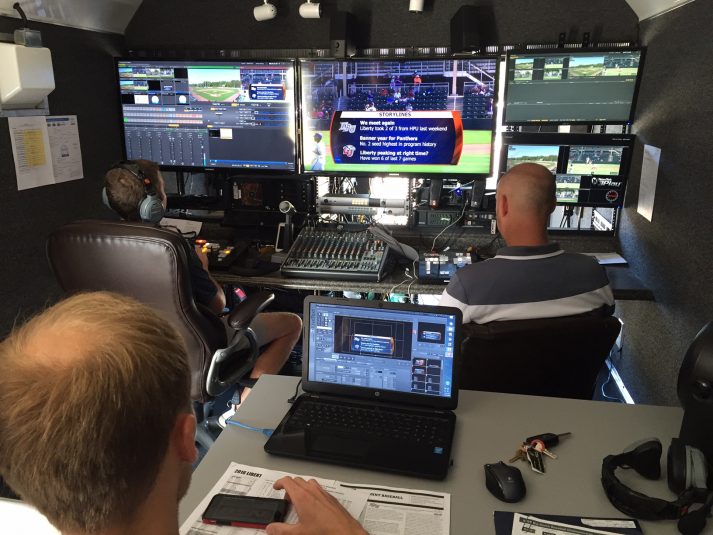
 The Big South Conference is one of the trailblazers in college sports-video production, having launched a digital network in 2005 at a time when only the Big Ten Network existed. This summer, the league is looking to keep itself ahead of the game, making the commitment to substantially upgrade its production capabilities.
 NewTek head of training Don Ballance brings you the very easy and quick steps for streaming to Facebook Live with the new plugin for TriCaster Advanced Edition. The plugin adds Facebook Live to the list of streaming presets, and you simply select it, make a couple of choices about the options for your stream, and start the stream. You can also use the preset to stream prerecorded material to Facebook Live.
 NewTek Developer Network participant Teradek provides a free Stream Reader plugin for TriCaster which allows integration with their encoder units, including Teradek Cube. With this free plugin, TriCasters operating with Standard Edition or Advanced Edition 3-2 and earlier can receive video streams from Teradek encoders for live production. In this video tutorial, Teradek Support shows the necessary steps to get set up and running with this configuration.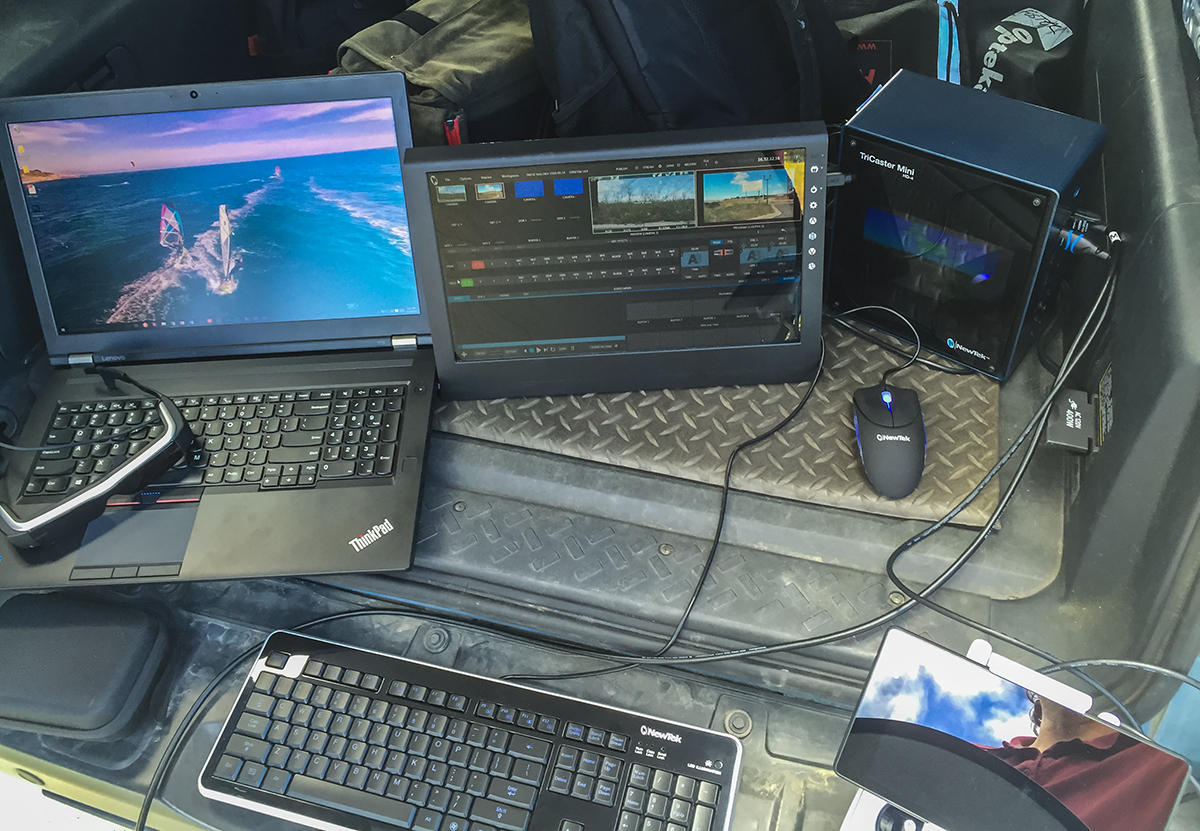
 While many of you may be using the TriCaster Mini as a portable TV production studio in your business, school or in remote locations where you can easily access AC power and a network connection, there are times where you need to be able to work in a really remote location and record your program or uplink it to the web directly from your vehicle.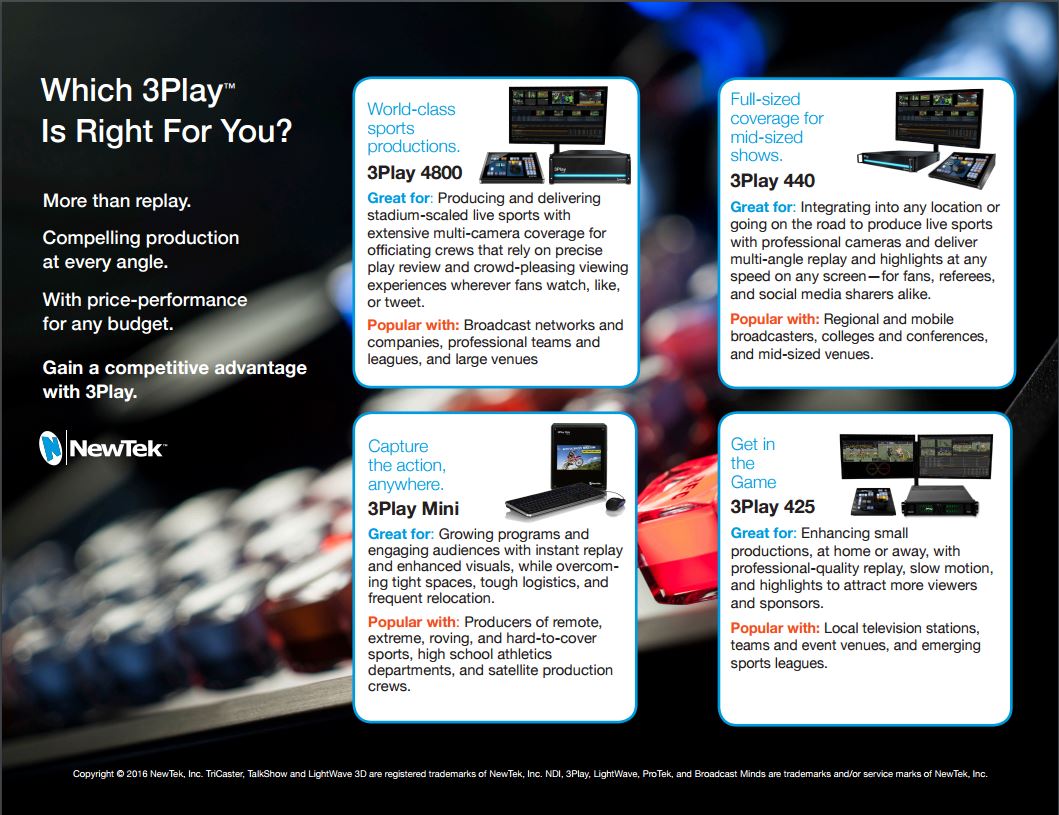
 NewTek 3Play