
What you need to know to get started with Facebook Live
By Jim Bask

Whether you’re shooting indoors or outdoors, you don’t want shaky video, bad light or poor audio. Invest in a tripod with a cellphone mount for both indoor and outdoor shoots — you can get a cellphone mount for as low as US$2. If you think you’ll have lots of moving shots, get a stabilizer so you don’t end up with shaky video. Something like the DJI Osmo is a little pricey (US$569 on Amazon) but gets the job done.


 Facebook Live personality Bob Doyle presents a behind-the-scenes look at how he produces his weekly live broadcast on Facebook Live using Telestream Wirecast.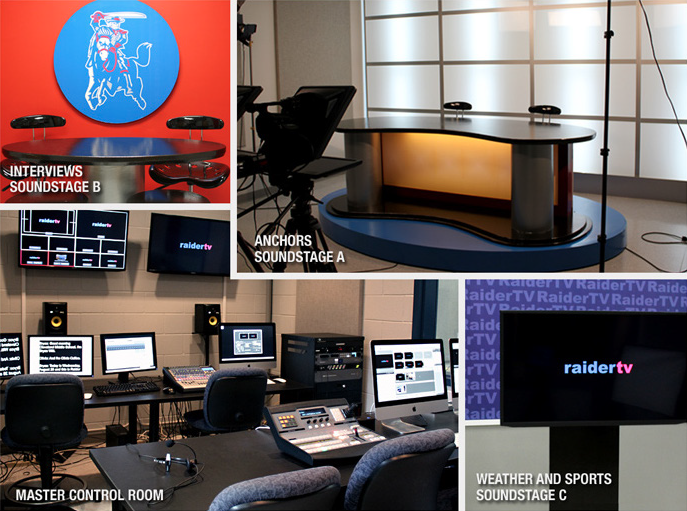
 Did you know that
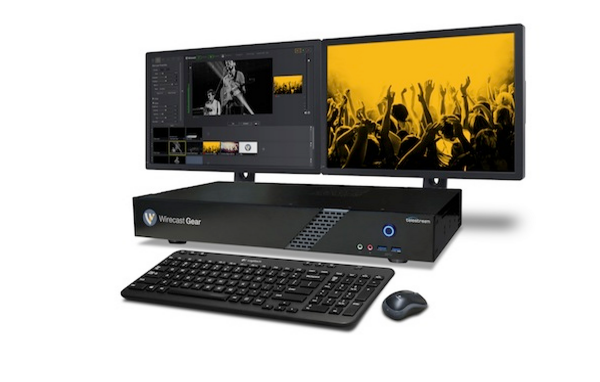

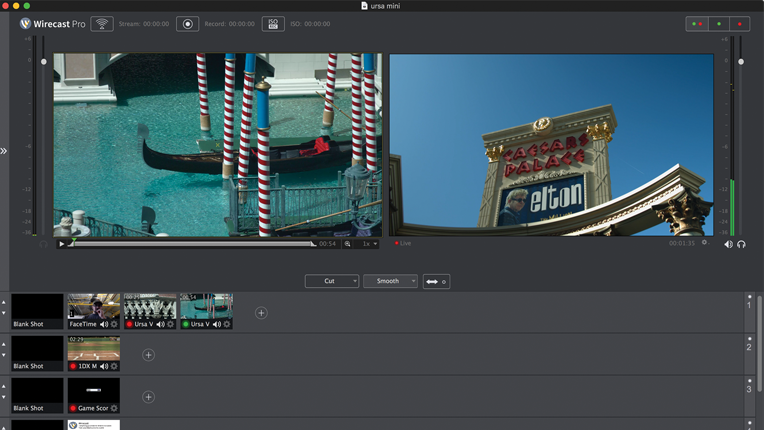
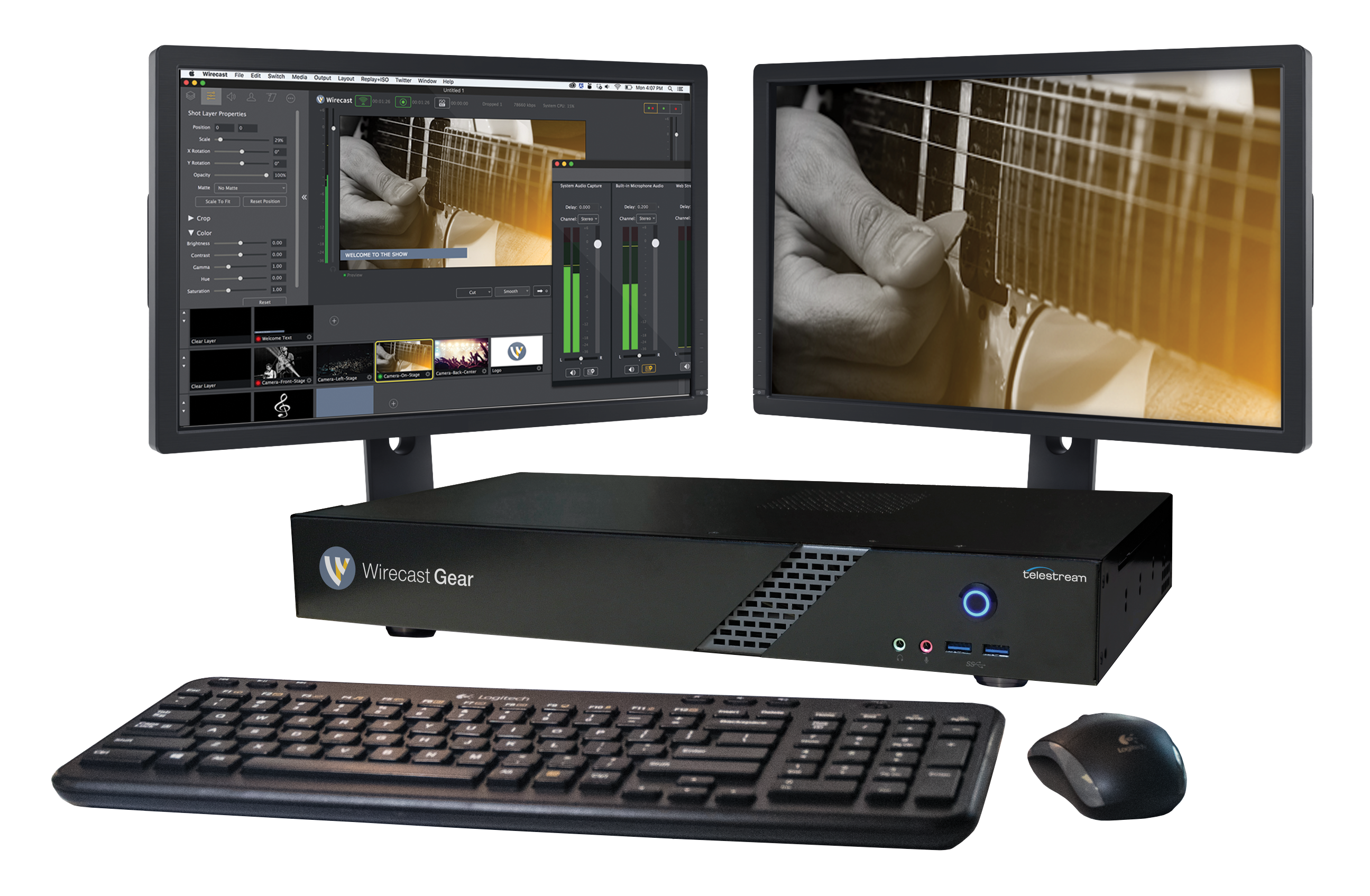
 At NAB this year, we were on the hunt for a Facebook Live solution that fit our unique need here at Videomaker. At the time, you could only use the camera built into your smartphone to stream to Facebook. While we did find products like the Mevo and heard rumblings of what would become DJI Go’s integration with Facebook Live, we needed to be able to switch between multiple sources to present the content and information in the way we wanted.
 On August 31, 2016, we are officially retiring legacy versions of Wirecast. This includes Wirecast versions 3, 4 and 5. You may continue to use your permanent licenses for legacy versions, but you will no longer qualify for customer support which includes technical inquiries, licensing issues, and compatibility questions. Moving forward we will be supporting Wirecast 6 and 7 as well as the latest operating systems, Windows 7, 8, 10, and Mac OS X 10.10 Yosemite and 10.11 El Capitan.