
by Jim Bask | Mar 16, 2017 | News, Webinar schedule
Atomos Webinar TODAY Thur, March 16 @ 2pm ET Atomos Shogun Inferno with G-Technology Master Caddy 4K for complete 4K Workflows Join us as we announce the new Atomos Shogun Inferno NAB Special with a $200 Off MSRP Instant Rebate along with special G-Technology Bundles...
by Jim Bask | Mar 15, 2017 | News
From Matrox Monarch HDX is a versatile dual-channel H.264 encoder for broadcast streaming and recording. This stand-alone appliance tackles any job: stream to two different locations; record a proxy-quality file while simultaneously recording a master-quality version...
by Jim Bask | Mar 15, 2017 | News
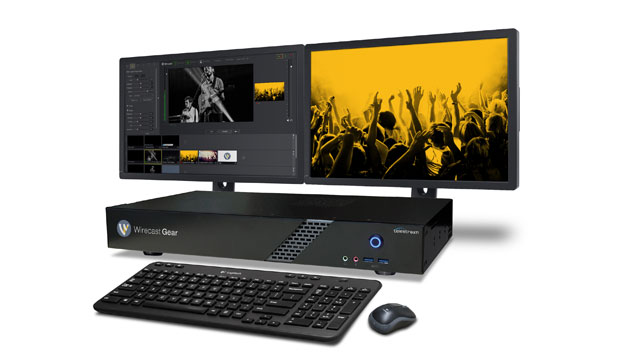
From StreamingMedia.com by Jan Ozer Successfully using all of the desktop mixing features in Telestream Wirecast features requires a powerful, finely tuned computer. Telestream recently released its own series of bundled systems, Wirecast Gear. In this review, we put...
by Jim Bask | Mar 15, 2017 | News
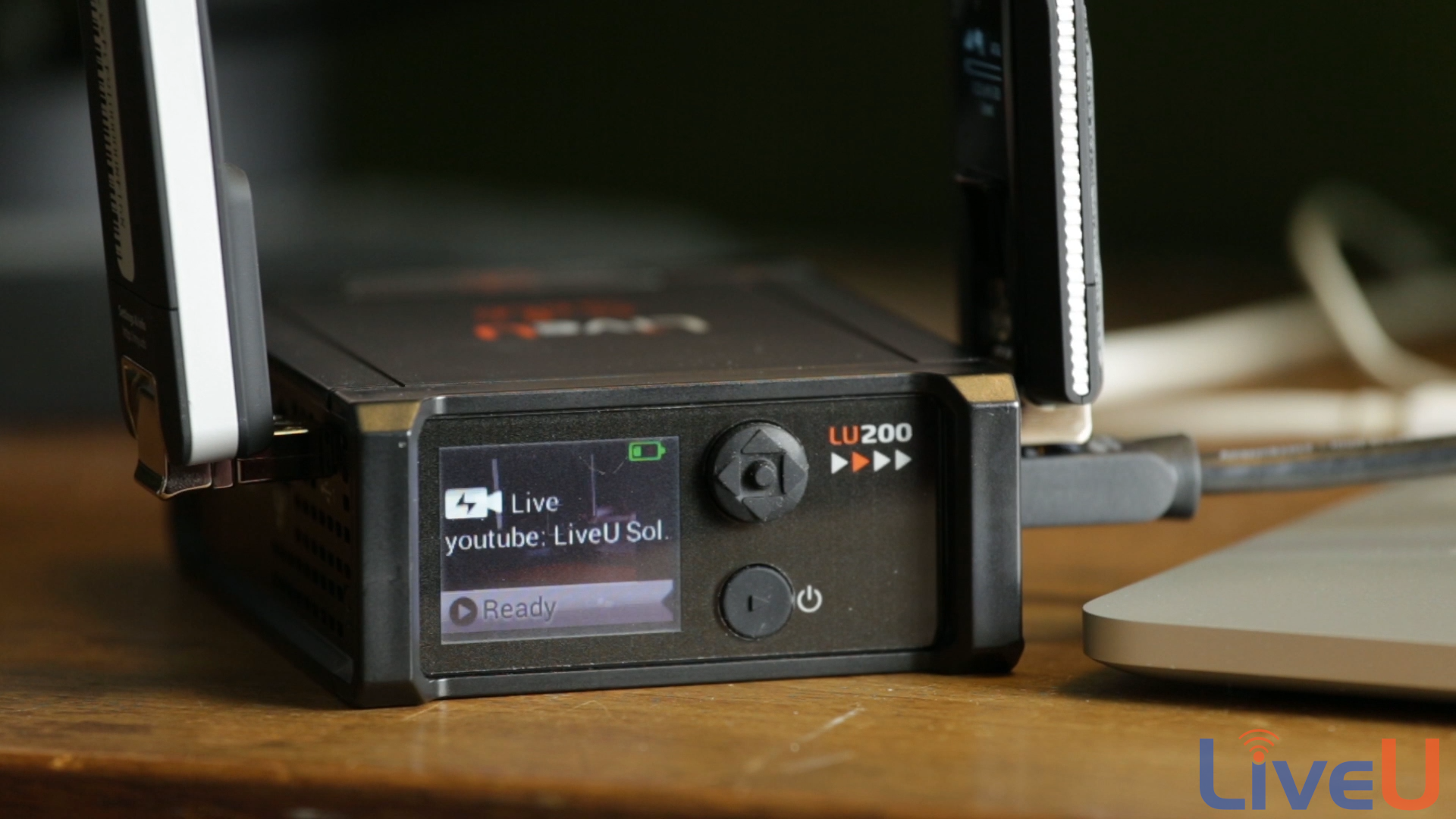
By Paul Schmutzler The LiveU Solo is an integrated A/V encoder built with portable live streaming. It distills it into a single button operation. The Solo (Figure 1, below) is a svelte 4×5” metal-enclosed unit that can be mounted to a camera’s cold...
by Jim Bask | Mar 15, 2017 | News
From LiveU Click here to watch the video on YouTube The Humane Society of the United States uses LiveU Solo to bring animal rescues Live to Facebook and YouTube.
by Jim Bask | Mar 14, 2017 | News
Broadfield Distributing is closed this morning, March 14th, because of the snow and ice storm in New York. As of now we will be trying to get into the offices at 12 noon. You may place orders online at www.broadfield.com or email your Broadfield representatives.

by Jim Bask | Mar 13, 2017 | News
By Alexis Patton Did you know that Facebook generates 8 billion video views per day and that people spend 3x more time watching live video than pre-recorded video? It seems that the live video such as Facebook Live is here to stay. There are several ways to stream...
by Jim Bask | Mar 13, 2017 | News
The Young Turks & LiveU Solo The Young Turks Director of Production, Mike Scheckles talks about how LiveU Solo has helped enhance their news coverage and get content online faster.
by Jim Bask | Mar 13, 2017 | News
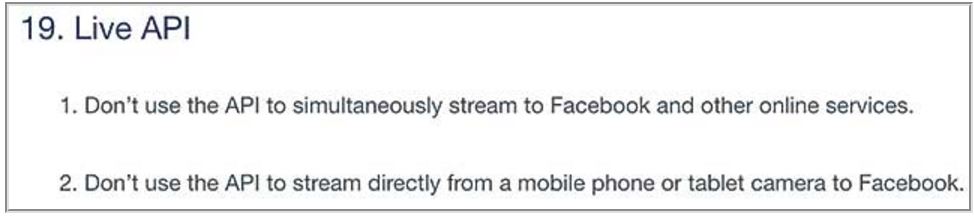
How to Assemble the Perfect Production Platform for Facebook Live Streaming live video to Facebook is easy, but if you want professional results you’ll need to build a professional system first. Here are the best products to consider. By Jan Ozer of Streaming...
by Jim Bask | Mar 13, 2017 | News
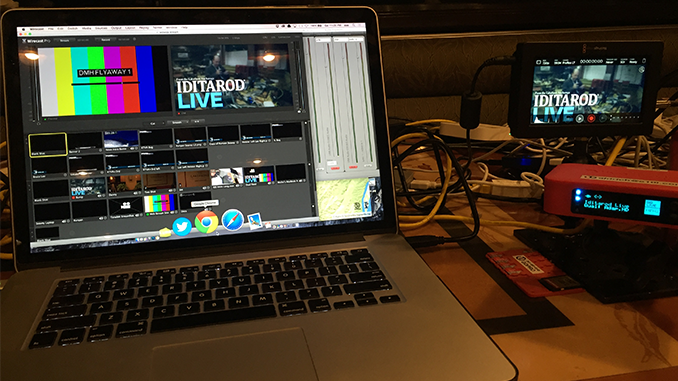
By Alexis Patton In 2016, Iditarod.com decided to step-up their game by adding in multiple, live streamed daily shows with race coverage and highlights. They also embarked on setting up the infrastructure to bring live coverage to all 24 remote race checkpoints...