
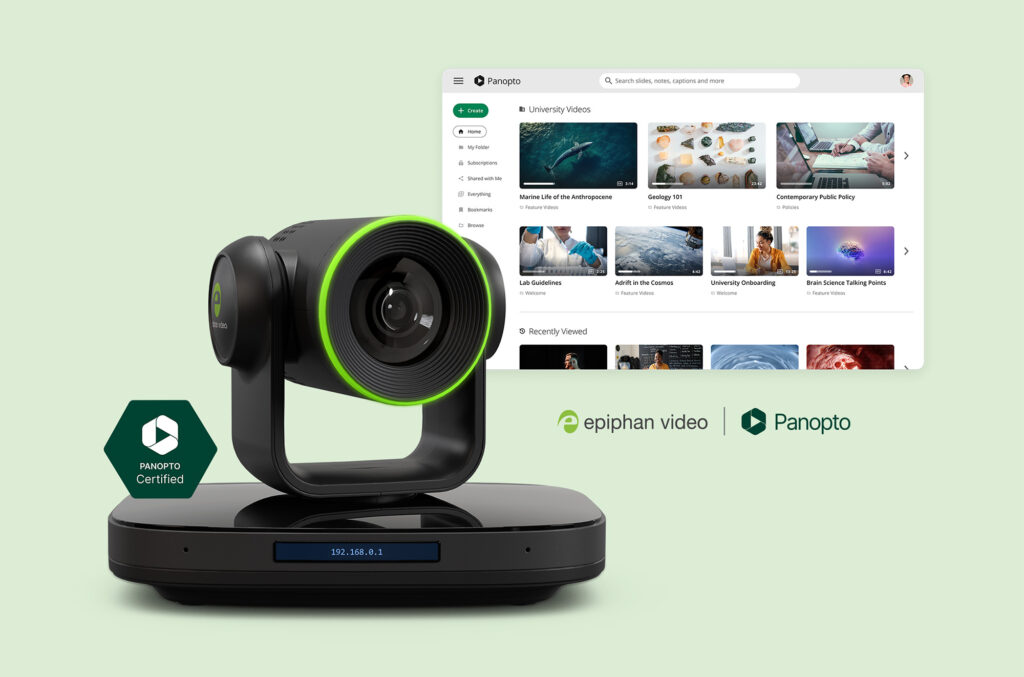
The new 3.3.40 firmware release for Epiphan EC20 PTZ Cameras will bring exciting updates. These new capabilities make it easier to deploy, manage, and scale video capture across campus, with direct Panopto CMS integration leading the way.
Direct-to-Panopto recording and streaming
EC20 is the first PTZ camera that will be able to stream, record, and upload directly to Panopto on its own, no extra devices or hardware required.
One cable delivers everything
A single Ethernet cable handles power, network, video, and Dante audio, making the camera ready to use out of the box.
Capture rooms that were out of reach
This update makes it easy to bring video capture to spaces that were previously too costly or complex, including labs, breakout rooms, and smaller environments where a simple setup is enough. It also upgrades slide-only rooms by adding presenter video and audio for a more complete capture experience.
Never miss a recording
EC20 records locally first, then syncs to Panopto automatically, so recordings aren’t lost if the network drops.
Manage your entire EC20 fleet from one place
Remotely monitor the status and health of your EC20 fleet, perform bulk firmware upgrades, and manage configurations and maintenance tasks, all from a single, unified interface in Epiphan Edge.

Dante Audio Input
Support for Dante audio input enables seamless integration with networked audio systems. Combined with PoE (Power over Ethernet), the EC20 supports a single-cable setup for power, video, control, and audio, reducing installation cost and complexity while offering greater flexibility in camera placement.
Front LCD Control
Users can now disable the built-in front LCD screen to conceal the device’s IP address and reduce exposure to potential network reconnaissance.
Online Firmware Upgrades
Internet-connected EC20 devices will automatically notify users when new firmware is available and provide a one-click upgrade option via the web interface or Epiphan Edge.
The update is available now. Follow the instructions in the Firmware and Software tab. For more detailed instructions, please visit the System Configuration section of the EC20 User Guide.
Learn more about Epiphan EC20 PTZ Camera HERE
Learn more about Epiphan HERE